Your clients, organized.
Give each client a project. Add the competing websites you want to follow.
 Night OwlGet the Mac app
Keep an eye on your clients’ competitors.
See the pages, titles, and content they change—in one quiet place.
Give each client a project. Add the competing websites you want to follow.
The bundled Firecrawl engine discovers pages locally. No 100-page cap, API key, or Docker setup.
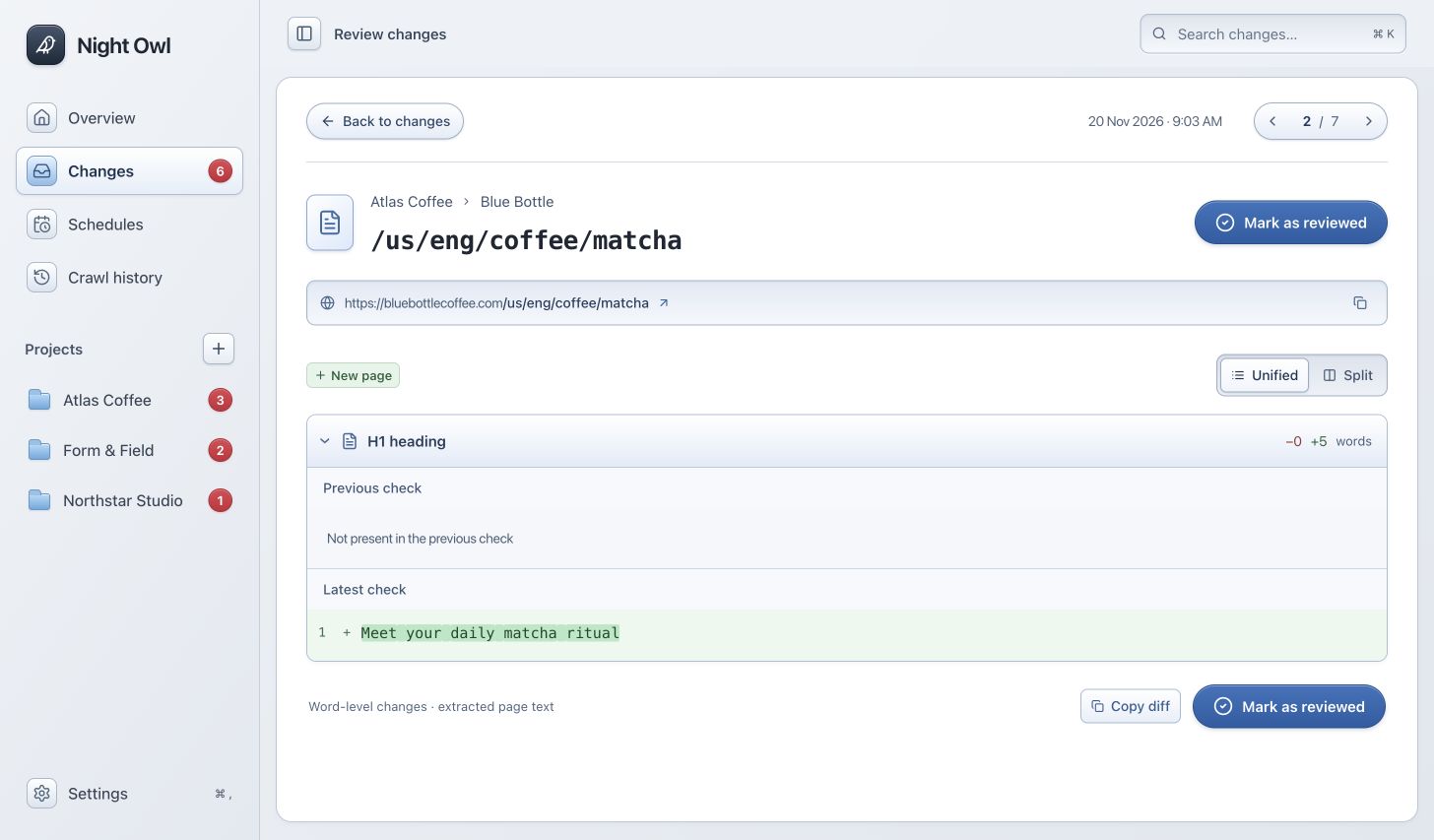
Compare later checks with saved pages. Review the exact words added and removed, then move on.
Download the local crawling test build.
Free to use while we build Night Owl.
Apple silicon · macOS 14 or later
Download test build Includes Firecrawl LocalThis build is not Apple-notarized. macOS may block it on first launch. Intended for testing, with public-release signing to follow.
Unzip the download, move Night Owl to Applications, and open it. The crawl engine is included—no terminal, Docker, Node, or Firecrawl key required. Static websites work immediately. Install Google Chrome or Chromium if you need JavaScript-rendered pages.
Scheduled checks run while Night Owl is open and your Mac is awake and connected. It catches up on a missed schedule after waking. Quitting the app stops monitoring; this test build does not install a background login helper.
There is no app-imposed page quota. Night Owl follows discoverable, allowed pages on each competitor’s site, respecting robots.txt and your exclusions. Site blocks, JavaScript requirements, network access, and your Mac’s memory and storage affect coverage. You can stop a check at any time.
Projects, crawl evidence, and changes stay in your Mac’s Application Support folder. The crawler connects directly to the websites you monitor. Firecrawl cloud fallback is off. There is no Night Owl cloud account or payment flow in this build.
The current build has a local ad-hoc signature, not an Apple Developer ID signature. If you choose to test it, Apple documents how to open an app from an unidentified developer in Privacy & Security. Only approve a download you trust.
Apple’s guidance ↗